Real output
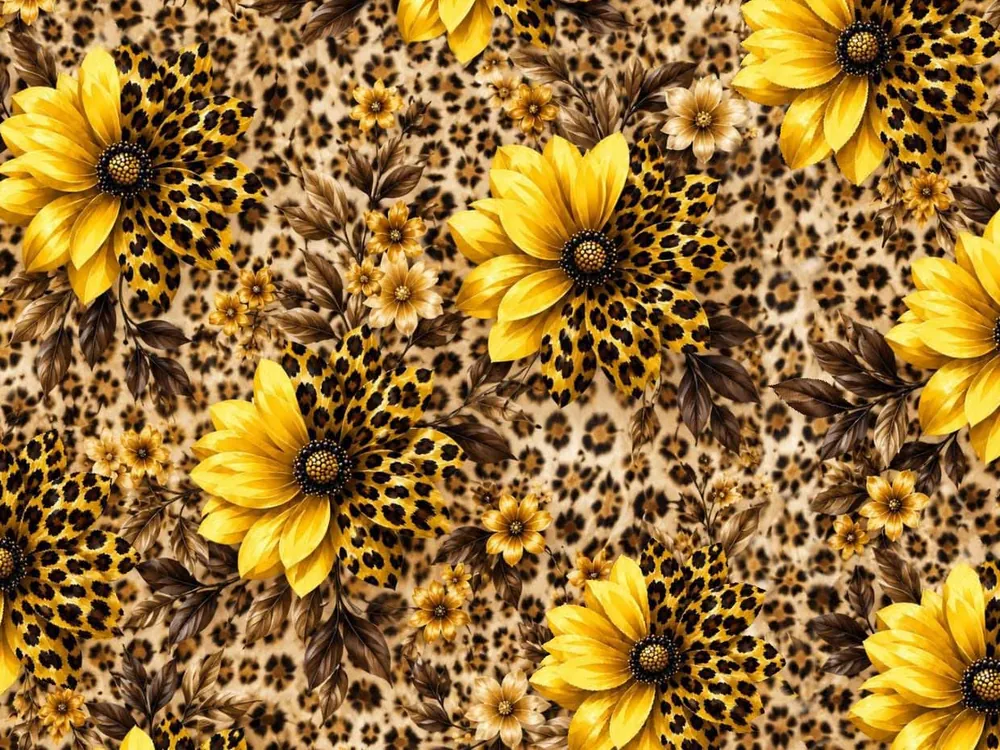
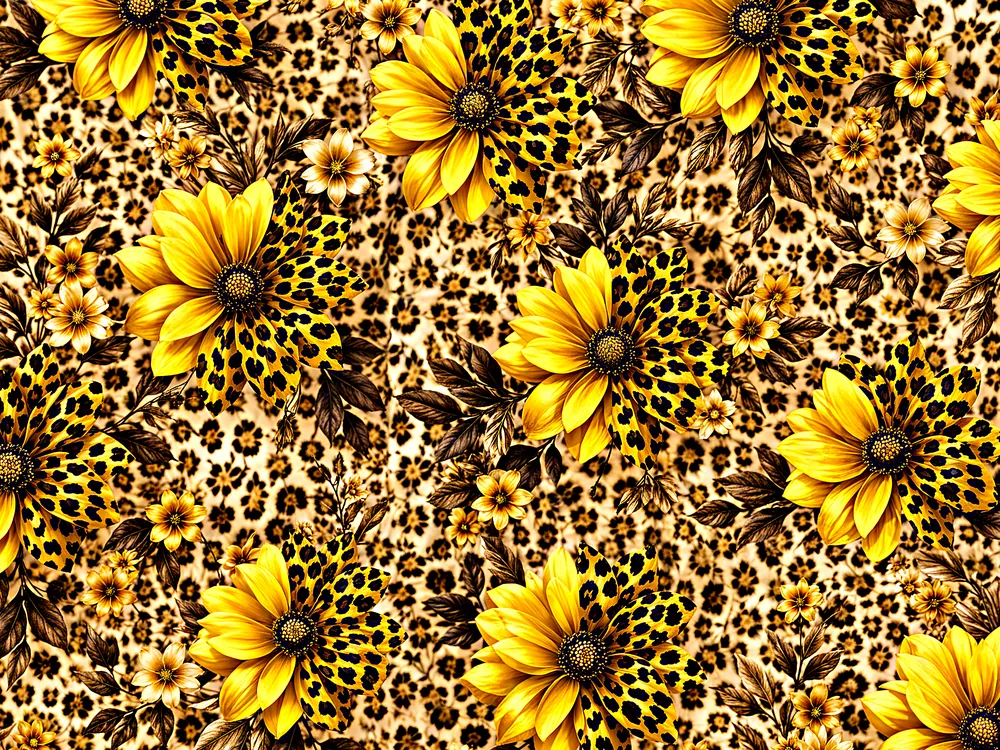
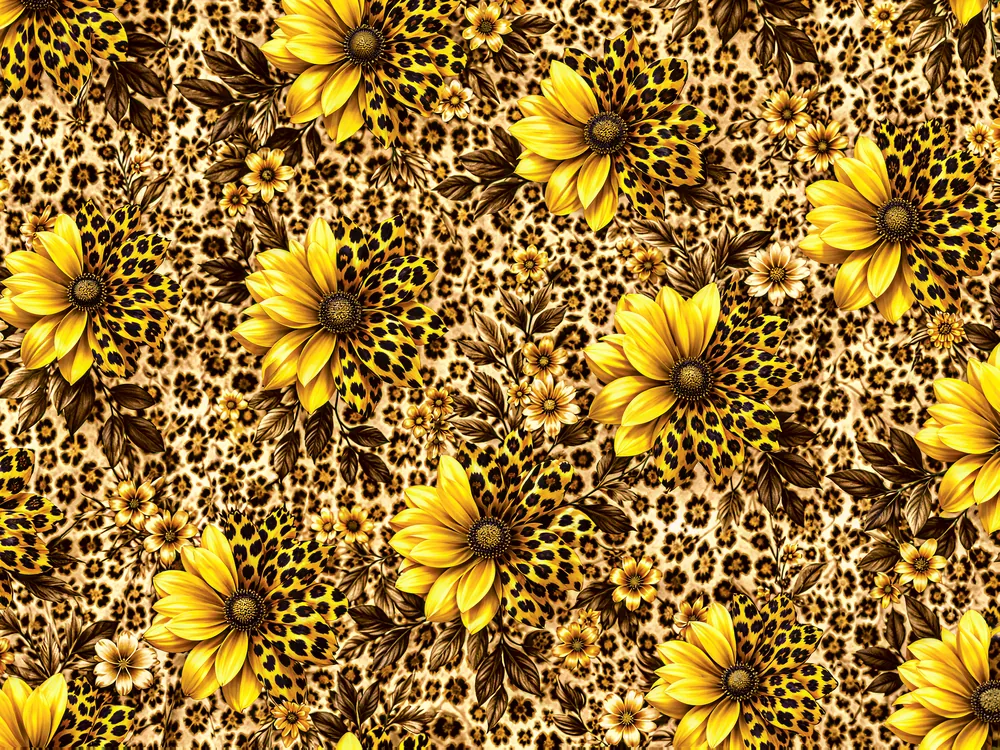
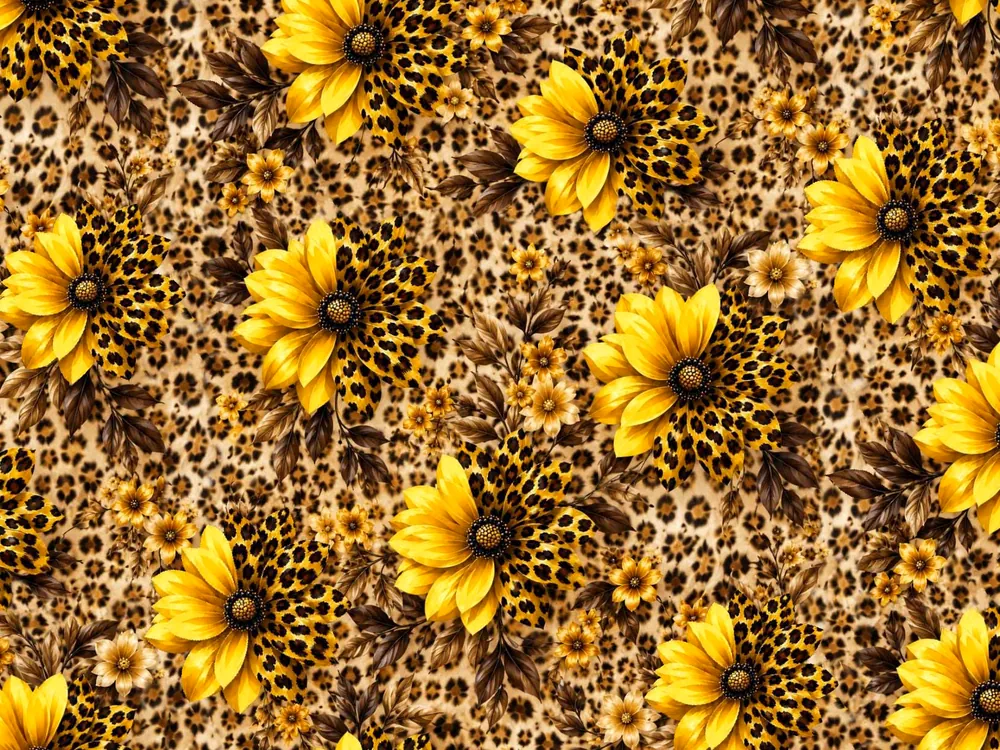
One reference, three finished files
Actual exports from a single leopard-floral reference, not mockups. Follow it through the studio.
The toolset
Not a generic photo editor. Every tool here is built around how a textile design actually gets made and printed.
Real output
Actual exports from a single leopard-floral reference, not mockups. Follow it through the studio.
Nine tools, one pipeline
Each tool does one job in the path from reference to press. Chain them on the same design without leaving the browser.
Crop a design to its natural repeat unit and make it seamless, so the tile repeats edge to edge with no visible seam, ready for print on any length of cloth.
Turn one upload into a vivid, print-ready 300-DPI master, sharp and true to your artwork. An optional extra pass adds even more resolution and texture.
Turn a garment or fabric photo into just the flat all-over field pattern, made into a seamless repeating tile.
Lift brightness, contrast, colour and sharpness on the motifs, while the ground stays exactly as it was.
Export as a layered Photoshop file: motifs, flat ground and the untouched original on separate layers, ready to recolour in your own editor.
Split a design into separate colour layers, each keeping the original texture and shading, so you can hide, isolate or recolour a single colour at a time.
Split a design into separate motif layers, with each flower, leaf spray and vine on its own layer, ready to move, delete, rescale or recolour.
Remap a design's palette and recolour it — click a motif to change its colour, recolour just the ground, apply a ready-made market palette, or match colours from a reference image.
Drop in one design, pick how many colourways you want — up to 50 — and get them all back automatically as ready-made seamless repeats, plus a single grid image of the whole set.